

A client revision should make the requested change and leave the approved message intact. Canva’s new editing model offers a way to explore that goal, provided a business keeps its brief, source assets and review process clear.
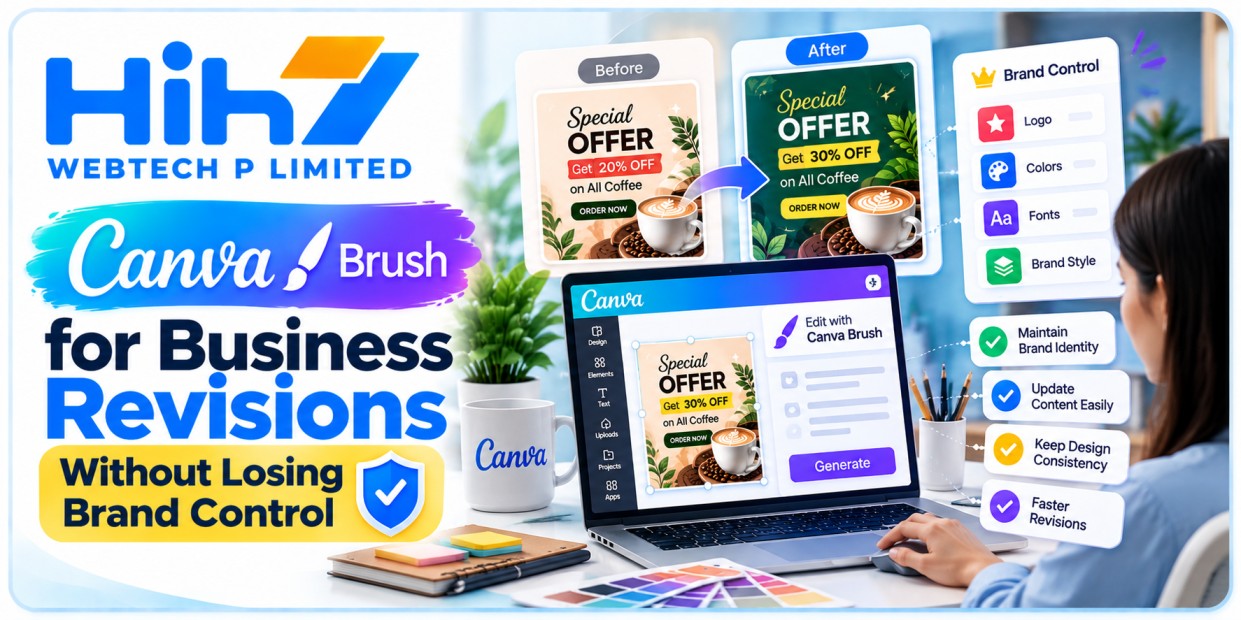
What Canva Brush changes for business design
A request to “update the offer” can affect more than the price on a graphic. It may change line breaks, push a button out of position or leave an old date on another page. For a business, the practical challenge is getting the requested revision while keeping everything else dependable.
Canva Brush gives teams another way to make those changes. Canva’s official newsroom dates its launch to 29 October 2026. The model powers supported design edits in Canva AI for Pro subscribers, with wider availability planned. Its outputs remain editable in Canva’s editor.
For teams considering Canva Brush for business, the useful question is how reliably it completes a defined change. A careful pilot can reveal where it helps and where a designer still needs to intervene.
Define the revision before prompting
Start with a change request that names both the update and the material that must remain intact. Keep a copy of the approved design so reviewers have a dependable reference.
For a hypothetical US restaurant campaign, the request could specify a new lunch price and booking date while retaining the restaurant logo, address, photography and terms. Someone should approve those commercial facts before the design changes begin.
A useful revision brief records the source design, exact replacement copy, affected pages, protected elements and required output formats. It also identifies who approves the final result. This prevents a design conversation from quietly becoming a decision about pricing or the business’s offer.
Avoid broad instructions such as “make it better” when the task is a factual correction. They leave too much room for interpretation and make acceptance harder to judge.
Make one change and compare the result
Work on a duplicate and begin with one category of revision. Update the copy first, inspect the result, and then decide whether spacing or layout needs adjustment. Keep exploratory styling in a separate version.
Suppose a hypothetical UK consultancy has a proposal deck with a revised service name. Ask for the approved wording on the relevant pages, then compare each page with the reference. Check headings, diagrams, footers and any page where the old wording may remain.
Treat this as a design comparison as well as a text search. A replacement can be correct while its line wrapping makes the slide harder to read. Confirm that important figures, chart labels and contact information still fit.
Canva describes selecting Brush in the Canva AI dropdown when working with an existing design. Confirm that the option and requested edit are available in your account before planning a client deadline around them.
Adapt formats while preserving the offer
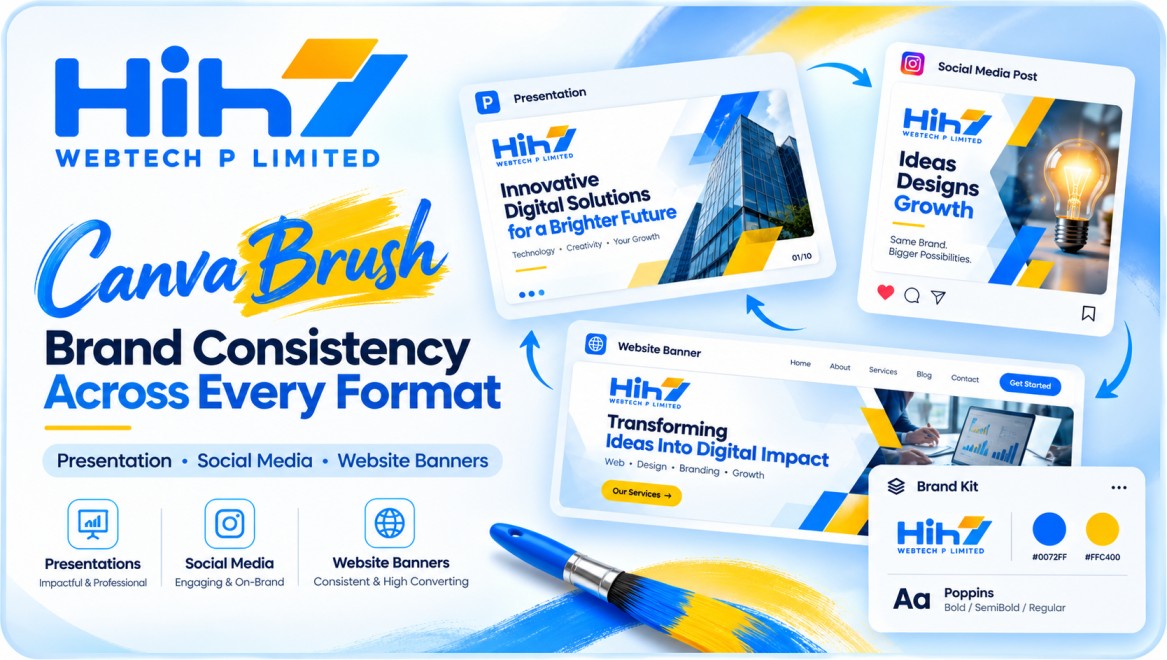
A campaign may need a presentation slide, a social graphic and a website banner. Each placement has a different job, so copying the same composition into every size is rarely a sufficient brief.
For a hypothetical Australian retailer, the mobile graphic might lead with the product and offer, while a wider banner gives the message more breathing room. Keep the price, qualifying terms and destination consistent across the set.
Review each version at its intended display size. A footnote that looks readable on a large editing canvas may become unusable in a social feed. Ensure that cropping does not remove product details or imply something the business does not sell.
If the asset will appear on a website, agree separately on the implementation. Essential headings, offer details and buttons should be considered as editable page elements. An exported graphic does not supply responsive HTML, accessible navigation or a working enquiry form.
Keep brand and factual review in human hands
Canva says Brand Kit support for Brush is still being developed. A team should therefore carry its approved brand requirements into the revision brief and check the result manually, rather than assume those rules are automatically enforced.
Use the original authorized logo asset. Inspect its proportions, colors, surrounding space and placement after every significant revision. For a small correction, replacing a logo with a generated approximation creates unnecessary review work.
Check facts separately from visual quality. Dates, prices, currencies, addresses, product descriptions and calls to action need an accountable reviewer. For US, UK and Australian audiences, confirm the intended spelling, date format and currency.
Also review the material you provide to the tool. Use references your team is permitted to share and follow the client’s agreed approach to confidential information. A campaign assembled from cleared assets is easier to hand over and maintain.
Measure editing effort and total cost
Choose a limited pilot, such as one deck and a small set of related graphics. Write the acceptance checklist before starting, then record which requested changes were completed and which unintended changes appeared.
Measure the time spent preparing instructions, reviewing outputs and making corrections. Include the designer’s final adjustments and the client’s approval rounds. These records help you compare the assisted process with your existing way of handling revisions.
Work out cost per approved deliverable from actual subscription or usage costs and staff time. A quick first response can still require substantial cleanup. Equally, a modest improvement in repeated, predictable edits may be useful even when the initial design still needs specialist work.
The launch announcement does not establish exact feature quotas or additional charges. Check your account’s current terms before estimating a recurring client service. Canva’s internal efficiency claims should not be converted into a promise of cheaper client work.
Plan a controlled revision pilot with HIH7
Bring one approved design, a clear change list and the formats your customers will see. Those inputs give a design team a concrete basis for scoping a pilot and deciding what needs to stay protected.
HIH7 Webtech offers graphic design alongside website and mobile app services. A coordinated brief can connect campaign artwork with the landing page or app journey it supports, including the information customers need before taking action.
If your business serves customers in the US, UK or Australia, share your current assets and revision requirements with HIH7. Start with a focused review and pilot scope, then use the accepted outputs and recorded effort to decide whether the process fits your ongoing work.