
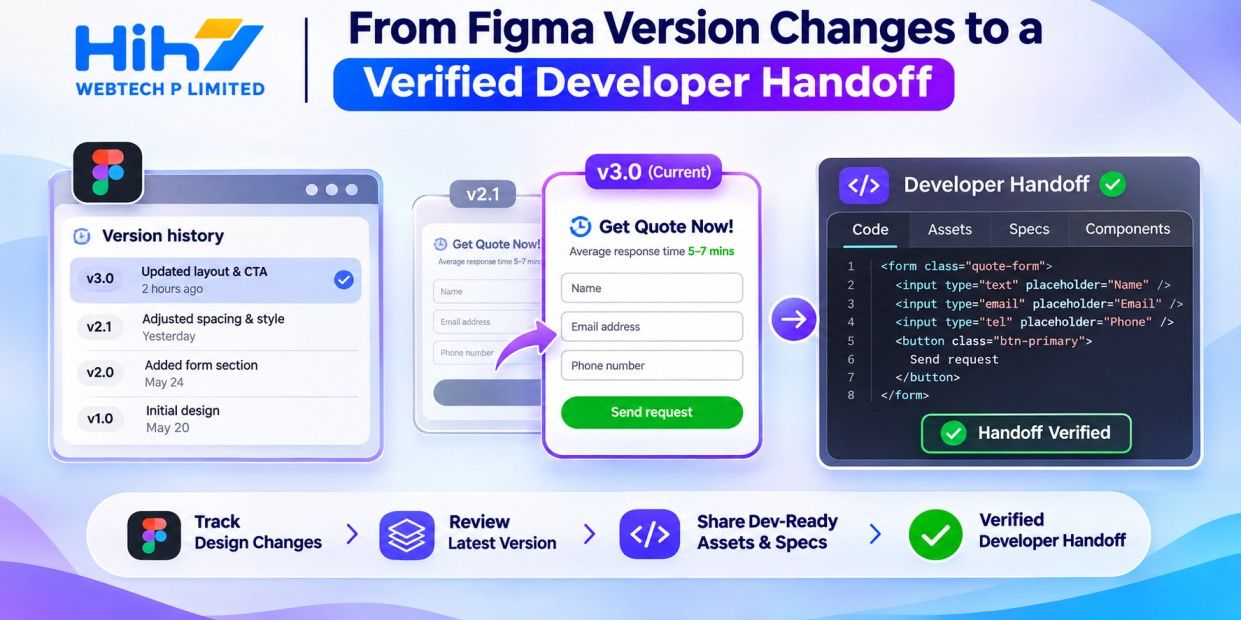
A redesigned screen can be approved while the work needed to build it remains unclear. A button has moved, an address field has changed, and the mobile layout now uses a different component. If those decisions live across comments and chat messages, the developer has to reconstruct the brief. A Figma Dev Mode AI handoff can help organise that information, provided the team checks the result against the approved design and the working product.
What the Figma agent adds to developer handoff
Figma’s 19 November 2026 release notes announce agent support in Dev Mode for inspecting designs, comparing versions, requesting code snippets and obtaining asset download links. That gives product owners a useful starting point: ask for a focused account of what changed before estimating the implementation.
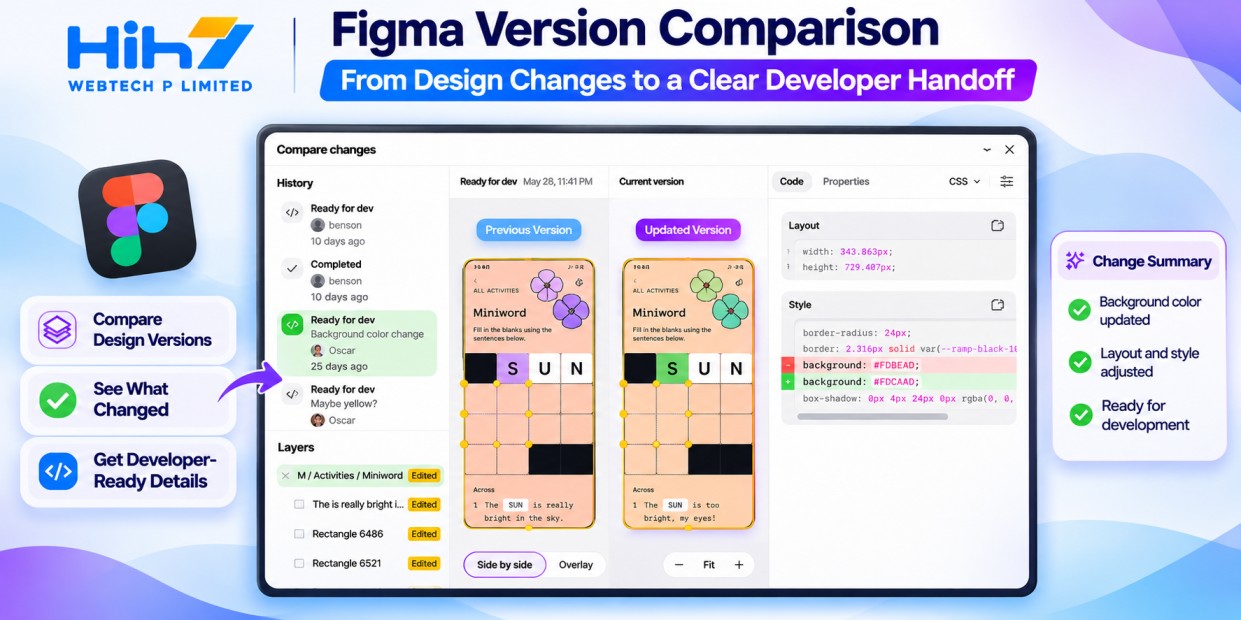
Figma’s agent guide describes version comparisons as a visual diff or change list, and implementation guidance such as CSS layout advice or React snippets. These outputs can inform a developer brief. They still need checking against the project’s components, data and intended behaviour. A screen comparison cannot establish that a checkout calculates the correct total or that an appointment was saved.
Freeze the versions and define the business change
Start with two named versions: the design currently implemented and the design approved for the next release. Record the relevant frame links, approval date and decision owner. Identify the journey being changed, such as requesting a quotation or choosing a delivery address. Keep unrelated experiments outside the comparison so the handoff has a clear boundary.
Hypothetical example: a trade supplier’s quote form
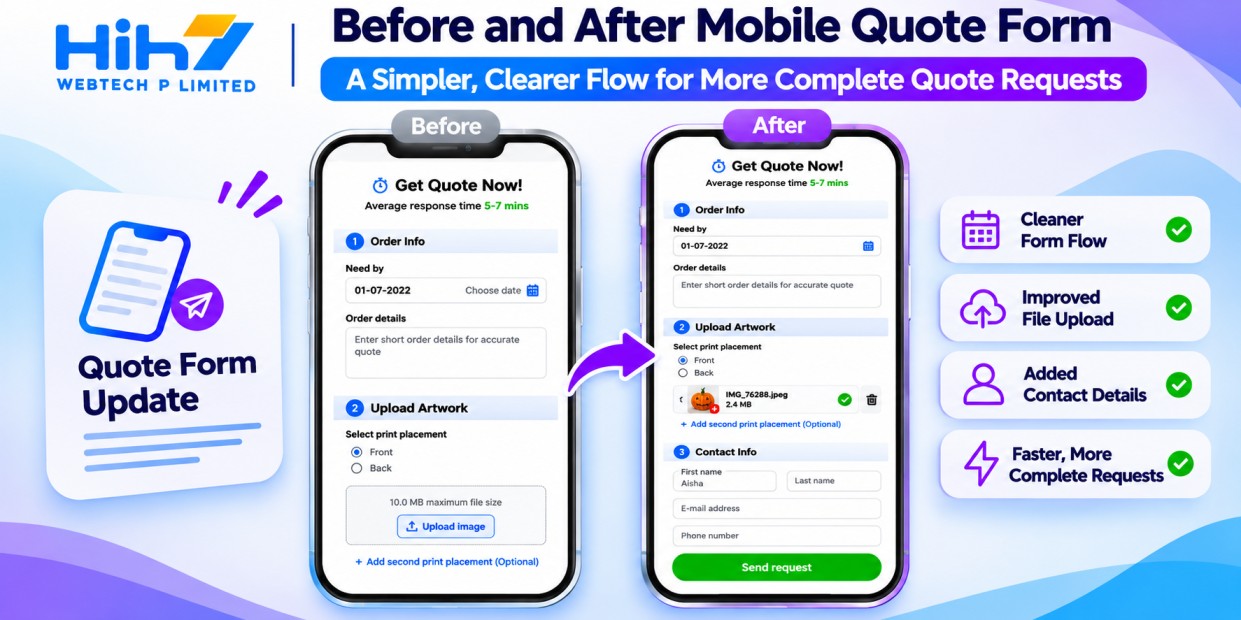
Imagine an Australian supplier replacing a long enquiry form with a shorter mobile flow. The approved revision adds a delivery postcode, moves specification uploads into a separate step and changes the final button to “Request a quote”. The product owner wants fewer incomplete enquiries without suggesting that submitting the form creates a confirmed order.
Ask the agent to compare only those frames and list changes to fields, copy, layout and component states. Ask it to flag anything it cannot determine. A designer then checks every item and adds the business decisions that the frames do not show: permitted file types, required fields, upload failures and who receives the enquiry.
Turn the comparison into buildable acceptance criteria
Give each confirmed change a short identifier and an observable acceptance check. “The form looks cleaner” leaves room for disagreement. “On a narrow screen, the upload step shows the selected filename, a remove control and a visible error when the file type is unsupported” gives the developer and reviewer something concrete to assess.
For the supplier example, separate the visual revision from the submission rules. The postcode should remain available when the customer returns to the previous step. A failed upload should not silently discard other answers. The confirmation should describe a quote request, and the backend should prevent an accidental second submission from creating duplicate enquiries.
For a US or UK client, agree the relevant address fields, date presentation and terminology rather than copying the Australian example unchanged. Link each acceptance check to its approved frame and implementation ticket. When a question remains unresolved, name its owner before the developer estimates it. This makes scope changes easier to discuss across time zones.
Prepare assets and review code suggestions in context
Create an asset manifest alongside the change list. For each icon or image, record its intended placement, format, filename and approved variant. Include any usage restrictions the client has supplied. Open each delivered file and inspect it at its actual display size; a promising preview does not confirm the exported file is suitable.
The agent can generate download links, but Figma’s guide says it does not export assets on your behalf. Assign someone to save the files and check them into the project’s normal asset location. Keep that responsibility visible so a handoff does not end with links that nobody has collected.
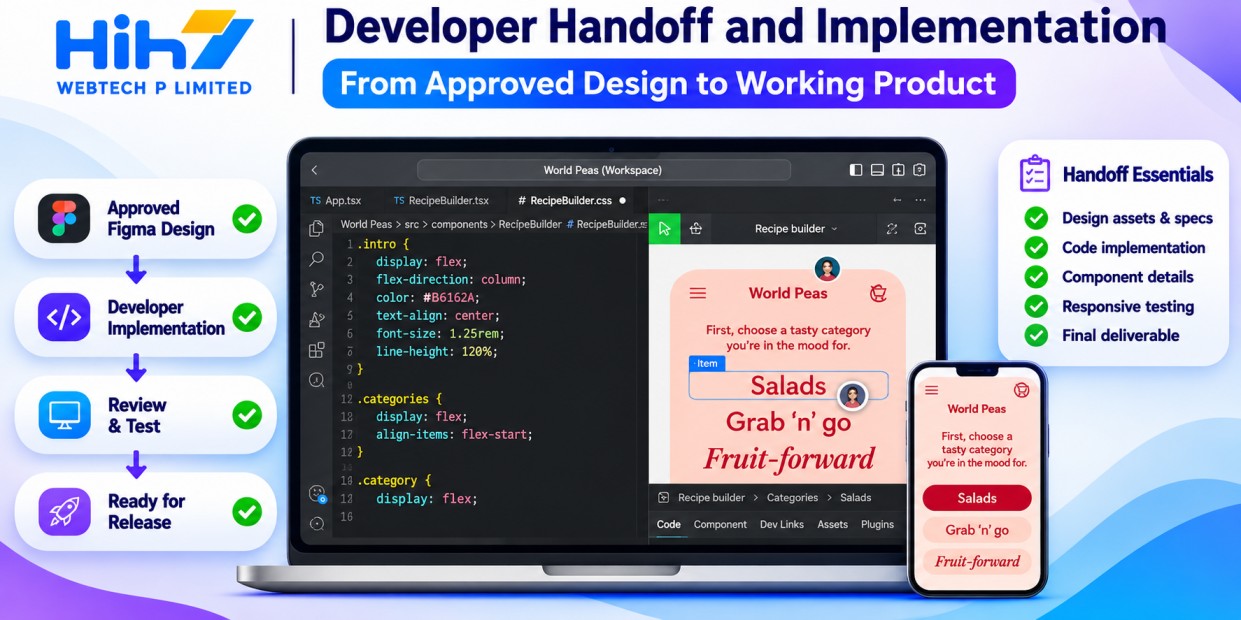
Treat a generated code snippet as a proposal for review. The developer should map it to existing components, spacing variables and responsive rules. For a Next.js website, that includes deciding where state and validation belong and checking how the form connects to the server. For a mobile app, confirm the intended native controls and interaction patterns instead of assuming a React example fits the stack.
Check access, credit use and the cost of corrections
Confirm eligibility before planning the workflow. Figma currently excludes Starter plans and View or Collab seats from Dev Mode. Dev seats can chat without changing the design; Full seats can also request edits, subject to file access. The agent is available through Figma Design on desktop or the web. Credit consumption varies with task complexity, so there is no single fixed cost for this handoff.
Run one comparison before making it a standard step. Record the seat costs relevant to the project, credits used, preparation time, designer corrections and developer clarification time. Count important changes the agent missed as well as incorrect changes it reported. Compare that total with preparing the same brief directly from the versions.
A useful result is a handoff the developer can implement with fewer unresolved questions. A long summary that takes substantial editing may add work. Agree which errors would make the pilot unsuitable, especially missing required states or describing an unapproved design as final.
Make the first handoff small enough to verify
Choose one journey and finish the loop: approved versions, checked change list, saved assets, implemented revision and acceptance review. Keep functional tests, keyboard checks and device testing in the release process. Use what the pilot reveals to improve the next brief, whether or not the agent remains part of it.
HIH7’s web design and development services can help connect an approved interface to a working website. Bring the current screen, proposed revision and the customer action you want to improve. Contact HIH7 Webtech to scope a focused design-to-development handoff for your website or mobile project, with clear responsibilities and acceptance criteria.